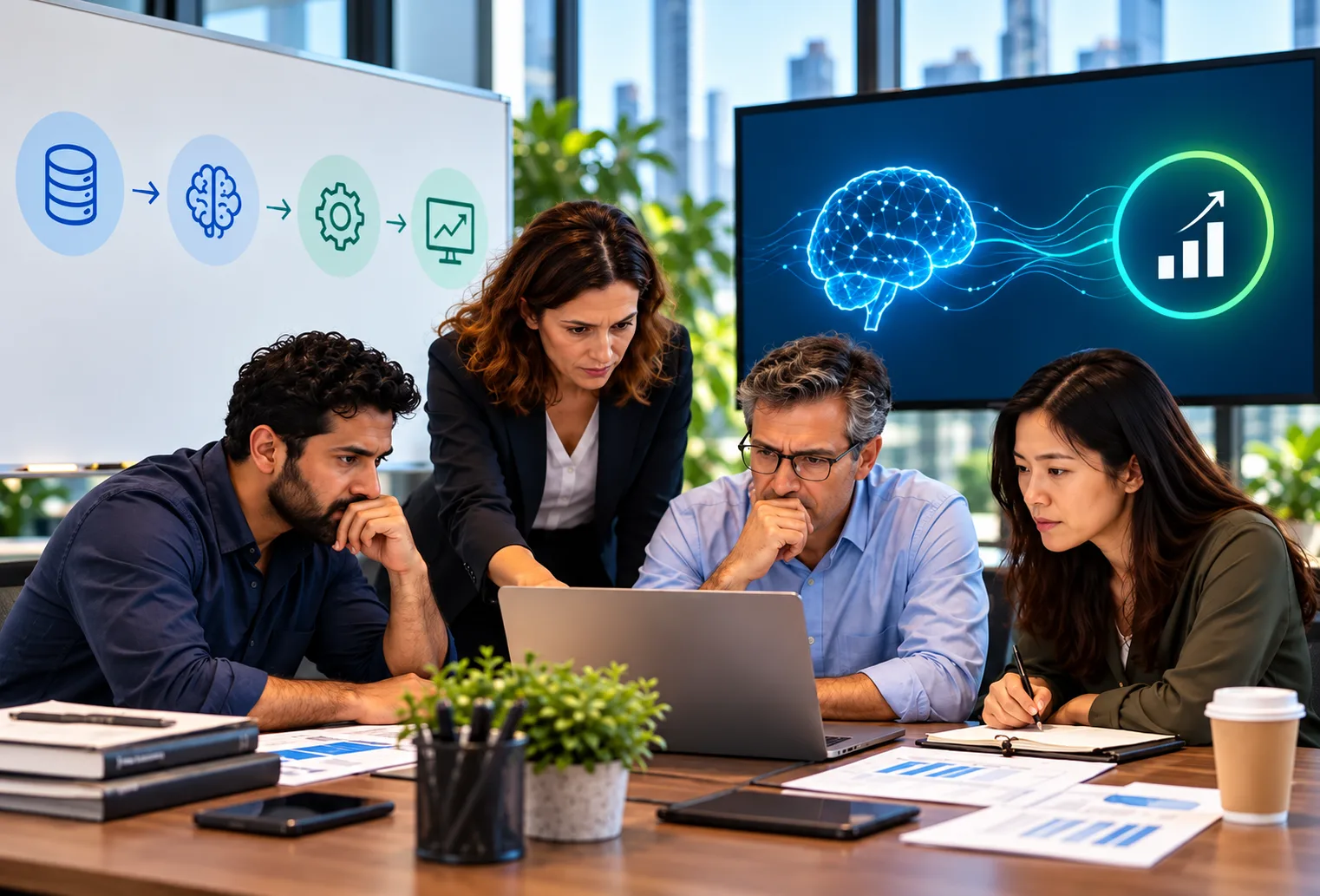
A human-machine interface is the screen, panel or console where operators see what machines are doing and tell them what to do next. Industrial sites now generate huge volumes of telemetry every second. Sensors track conditions, controllers log events, and production systems record thousands of state changes per shift. Yet many plants still rely on a traditional human-machine interface built for monitoring, not for decision-making. Operators watch several dashboards at once, interpret alerts by hand, and respond under time pressure. Important signals get buried. The challenge is no longer collecting data. It is helping people understand that data fast enough to act well.
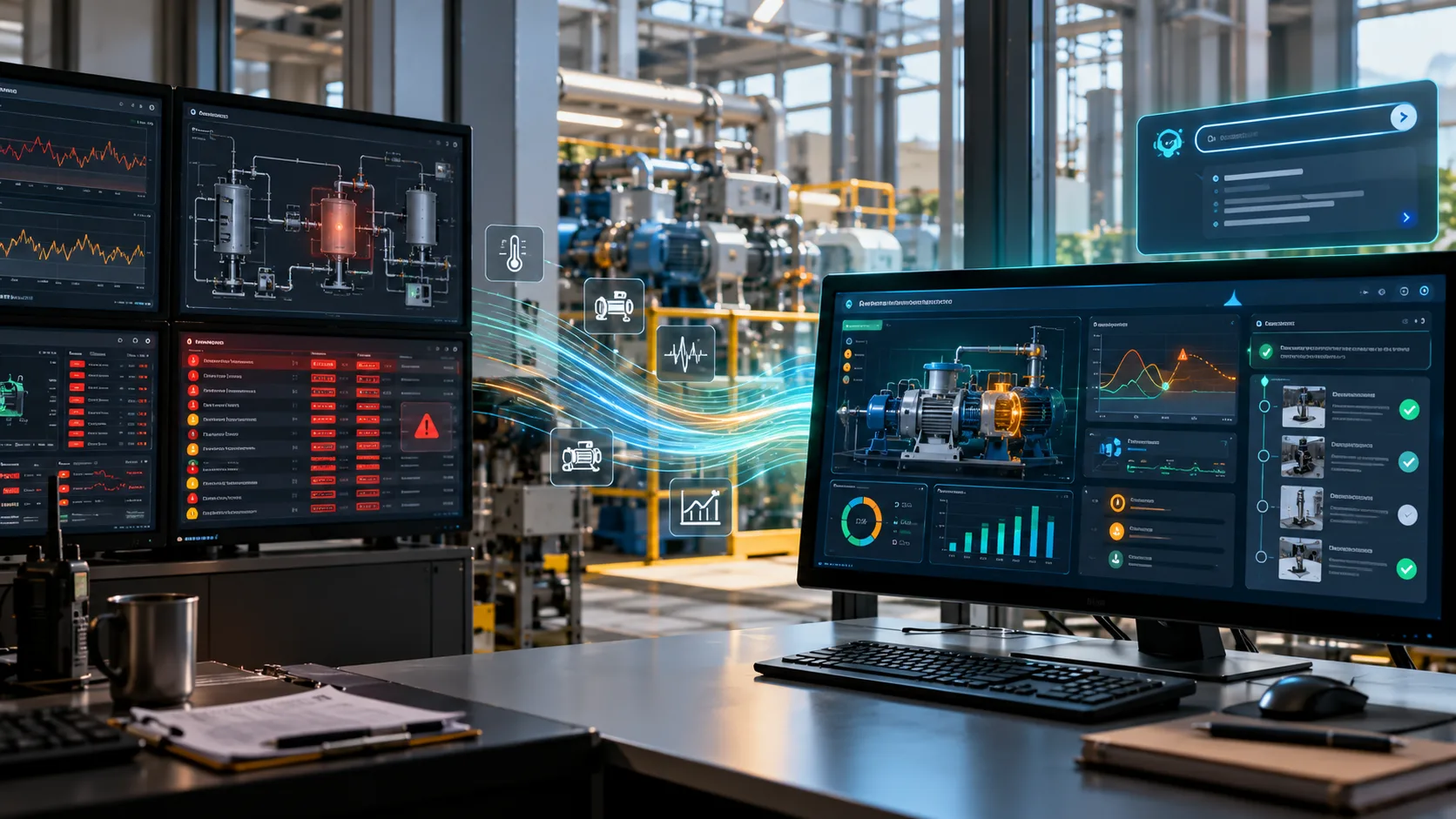
This is where an AI-enabled human-machine interface changes industrial automation. Instead of a passive dashboard, it becomes an assistant that offers predictive insights, anomaly detection, contextual alerts and real-time decision support. The goal is better collaboration between operators and systems, not the removal of operators. ICANIO's Application Development practice builds AI-enabled HMI systems and industrial automation platforms, covering edge AI integration, predictive operations, smart manufacturing connectivity and operator onboarding. This guide explains what changes, why it matters and how to start.
Key Takeaways
- A traditional human-machine interface shows status; an AI-enabled one helps operators decide what to do next.
- Five upgrades matter most: predictive analytics, anomaly detection, alert prioritisation, natural language queries and workflow assistance.
- Alert fatigue, fragmented visibility and reactive decisions are the main reasons legacy HMIs fall short.
- Human-in-the-loop design keeps operators accountable for high-impact decisions.
- Edge-cloud architecture and operator onboarding decide whether a deployment succeeds.
What Is a Human-Machine Interface?
A human-machine interface (HMI) is the layer between people and industrial equipment. It can be a touch panel on a machine, a workstation in a control room, or a web dashboard. In many plants the HMI sits on top of SCADA systems and programmable logic controllers. It displays process values, alarms and trends, and it lets operators change setpoints or start and stop equipment.
Good HMI design is a discipline of its own. The ISA-101 standard covers the design and lifecycle of HMIs for process automation. Its core idea is simple. Screens should help operators maintain situational awareness, not overwhelm them. An AI-enabled human-machine interface builds on that idea. It adds machine learning models that filter, rank and explain what the operator sees.
Traditional HMI vs AI-Enabled Human-Machine Interface
| Dimension | Traditional HMI | AI-enabled HMI |
|---|---|---|
| Main role | Status display | Decision support |
| Alerts | Static thresholds | Context-aware anomalies |
| Operator effort | Manual interpretation | Ranked alerts with guidance |
| Integration | Few data sources | Sensors, MES, ERP, maintenance |
| Learning | Fixed rules | Improves from feedback |
| Posture | Reactive | Proactive |
The table shows the shift in plain terms. A traditional human-machine interface tells operators what is happening now. An AI-enabled one also suggests why it is happening and what to do about it.
Why Traditional Industrial Interfaces Fall Short
Traditional HMIs were built for visibility. Modern industrial automation needs intelligence as well. Conventional systems follow a static pattern. Operators watch dashboards, thresholds trigger alerts, and teams respond by hand. This model gets weaker as plants grow more complex.
Alert fatigue is the first failure mode. Industrial systems can raise very large numbers of alerts each day. Operators struggle to see which ones need attention now. That raises the risk of missing a critical event. Alarm management practice exists precisely because floods of low-value alarms degrade operator performance. Alert fatigue tends to worsen in smart manufacturing sites, where alert volume grows faster than human capacity to triage it.
Fragmented visibility is the second failure mode. Production systems, maintenance platforms, sensor networks and analytics tools often run separately. Operators get disconnected views and cannot see the full picture.
Reactive decision-making is the third. A traditional human-machine interface detects issues after they occur. Predictive operations need the opposite: warnings before the impact.
Information overload is the fourth. Adding more dashboards to a legacy HMI adds complexity without adding clarity.
Five Essential AI Upgrades for a Human-Machine Interface
An AI-enabled HMI moves operations from reactive monitoring to intelligent assistance. It helps operators understand what is happening, why, and which action comes first. The aim is to strengthen human judgement, not replace it. Five upgrades do most of the work.
1. Predictive Analytics
AI models analyse historical and live data to spot patterns linked to equipment failure or degradation. This gives maintenance teams advance warning that a fixed threshold cannot provide. It is the foundation of predictive maintenance, where work is scheduled based on condition rather than on a calendar or a breakdown.
2. Intelligent Anomaly Detection
Instead of fixed limits, machine learning identifies unusual behaviour using historical patterns and correlations across many sensors. A pump may be within every individual limit and still behave abnormally as a whole. This upgrade is what most clearly separates an AI-enabled human-machine interface from a conventional monitoring screen.
3. Contextual Alert Prioritisation
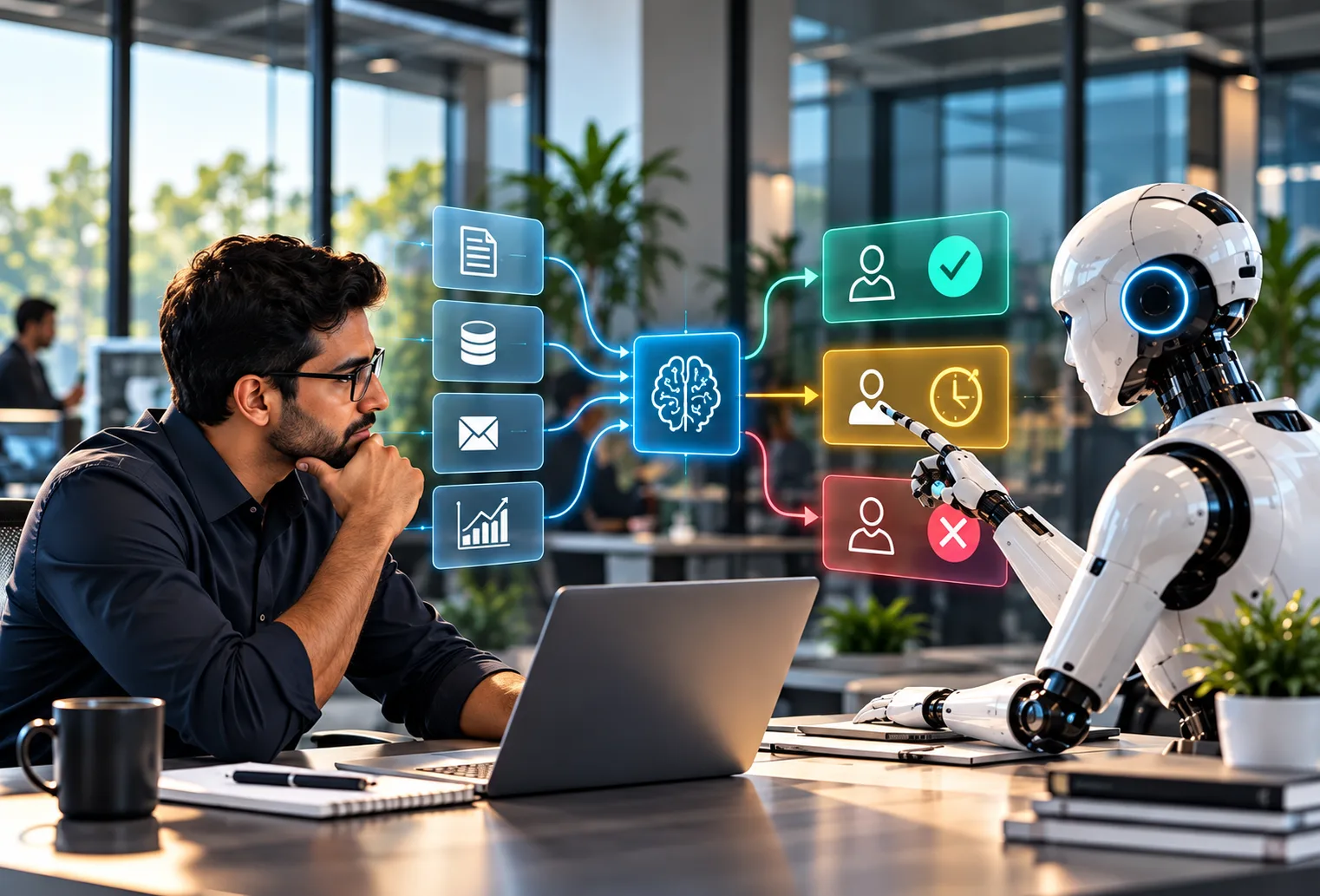
Not every alert deserves the same urgency. An AI-enabled interface ranks alerts by operational consequence. It shows the likely cause and a suggested action next to each one. This is the most direct remedy for alert fatigue in a traditional HMI environment.
4. Natural Language Interaction
Modern interfaces increasingly support conversational queries. An operator can ask, "Why did line 3 slow down?" and get a grounded answer without digging through screens. This helps most in smart manufacturing sites with many equipment types. It can also shorten the learning curve for new operators.
5. Workflow Optimisation Assistance
AI-assisted interfaces spot bottlenecks and deviations in real time. They then recommend adjustments that improve throughput and resource use. In high-volume plants, faster insight helps protect production continuity.
| Upgrade | Problem it addresses | Typical data |
|---|---|---|
| Predictive analytics | Surprise failures | Vibration, temperature, runtime |
| Anomaly detection | Hidden faults | Multivariate sensor streams |
| Alert prioritisation | Alert fatigue | Alarm history, asset criticality |
| Natural language | Slow navigation | Logs, manuals, live tags |
| Workflow assistance | Bottlenecks | MES and production events |
Predictive Maintenance and Real-Time Decision Support
Industrial efficiency depends on response time. Small delays in spotting failures or production anomalies can cause large losses. An AI-enabled human-machine interface keeps pace with the plant instead of lagging behind it.
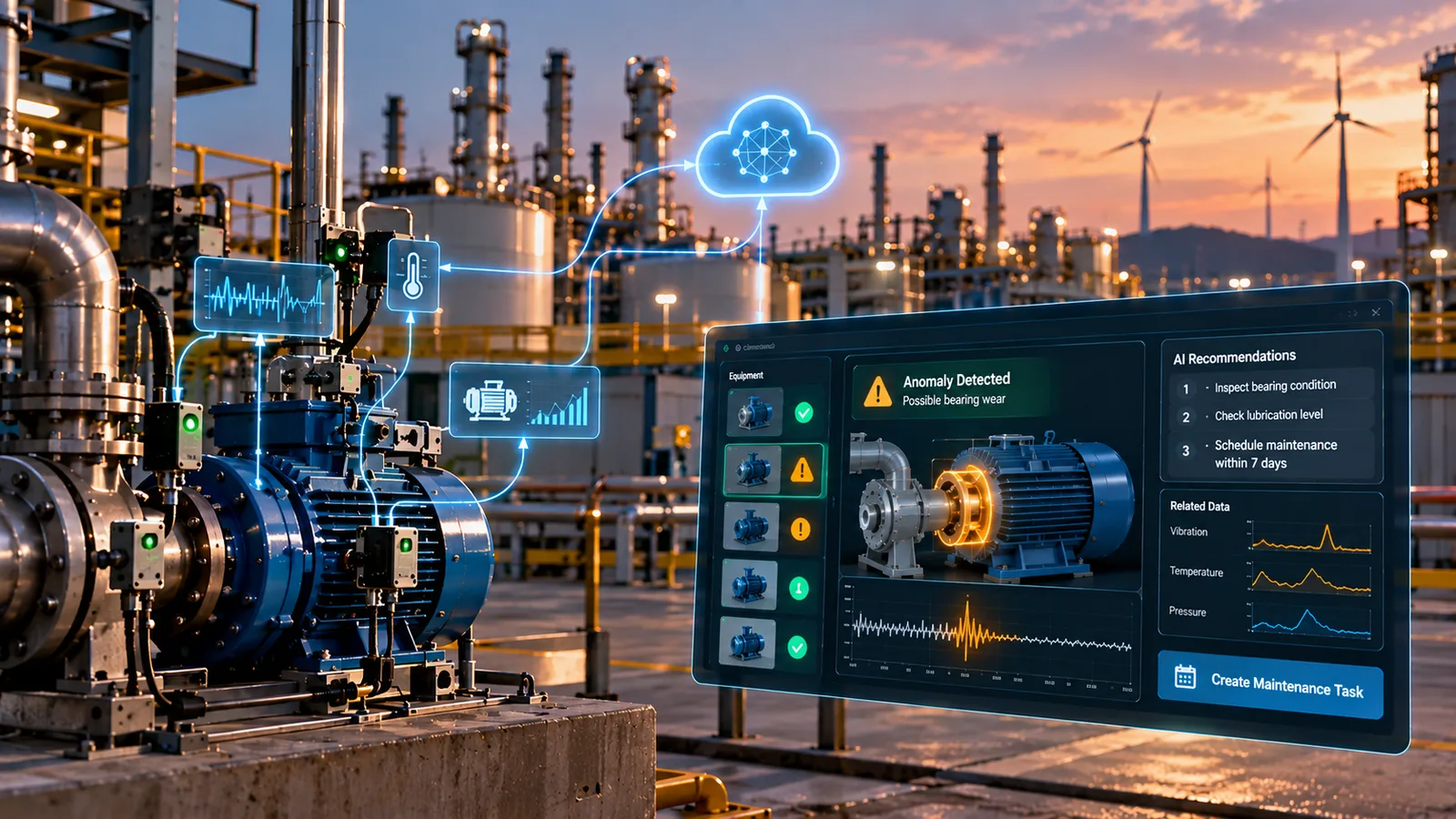
Predictive maintenance is often the most valuable capability. Models watch equipment behaviour and flag patterns linked to failure. Operators get early warnings before downtime occurs. Maintenance teams can then plan interventions rather than react to breakdowns. A planned maintenance window is usually far less disruptive than an unplanned production halt. That is why predictive maintenance is a common first use case.
Faster incident response is the second benefit. Ranked alerts with context shorten diagnosis time. This reduces cognitive load during high-pressure events, which is when human error is most likely.
Adaptive workflow optimisation is the third benefit. The interface flags inefficiencies as they happen. Teams can improve continuously rather than waiting for periodic reviews.
Many teams pair this with a digital twin for real-time monitoring. The digital twin models the asset, and the human-machine interface presents its predictions to operators in a usable form.
Human-in-the-Loop Design for Industrial Automation
Fully autonomous operation is still impractical in most industrial settings. Plants need reliability, accountability and oversight that cannot be handed entirely to software. A well-designed human-machine interface keeps people in control while extending what they can see.
Human oversight builds trust. Operators must keep visibility and control over critical decisions, especially in high-risk environments. Escalation-based models send uncertain or high-impact cases to a person rather than resolving them automatically. Our guide to human-in-the-loop AI governance covers these patterns in more depth.
Operator feedback is what makes these systems improve. Corrections and confirmations feed back into model training. Over time the system learns from real edge cases on the shop floor.
Governance is the final requirement. Industrial AI needs monitoring, validation and safety review to stay reliable. The NIST AI Risk Management Framework is a useful reference for structuring that work. The strongest systems combine machine intelligence with human expertise, with each making the other better.
Integrating the Human-Machine Interface Across Plant Systems
Industrial operations involve many connected systems. These include IoT sensor networks, manufacturing execution systems, maintenance platforms, ERP and analytics tools. An AI-enabled human-machine interface must work across all of them without adding complexity for operators.
API-driven integration lets platforms exchange data in real time through event-driven architecture. This is the backbone of industrial automation at scale. Modular design lets organisations add capabilities without rebuilding everything. That modularity matters for growing smart manufacturing operations.
Edge and cloud coordination is increasingly central. Edge computing handles low-latency work close to the machines. The cloud handles large-scale analytics and model training. This hybrid pattern suits plants spread across regions, where latency and data residency rules make pure cloud processing a poor fit. Our team designs edge-cloud architectures that balance operator responsiveness against the analytical depth the cloud provides. For GPU-heavy workloads, see our note on digital twin cloud deployment.
Industry Applications of an AI-Enabled HMI
| Industry | HMI use case | Expected benefit |
|---|---|---|
| Manufacturing | Line anomalies, OEE tracking | Less unplanned downtime |
| Energy and utilities | Turbine and grid health | Better asset reliability |
| Oil and gas | Pipeline and safety alerts | Faster incident response |
| Logistics | Conveyor health, throughput | Fewer manual interventions |
| Pharma and food | Batch quality monitoring | Lower scrap and rework |
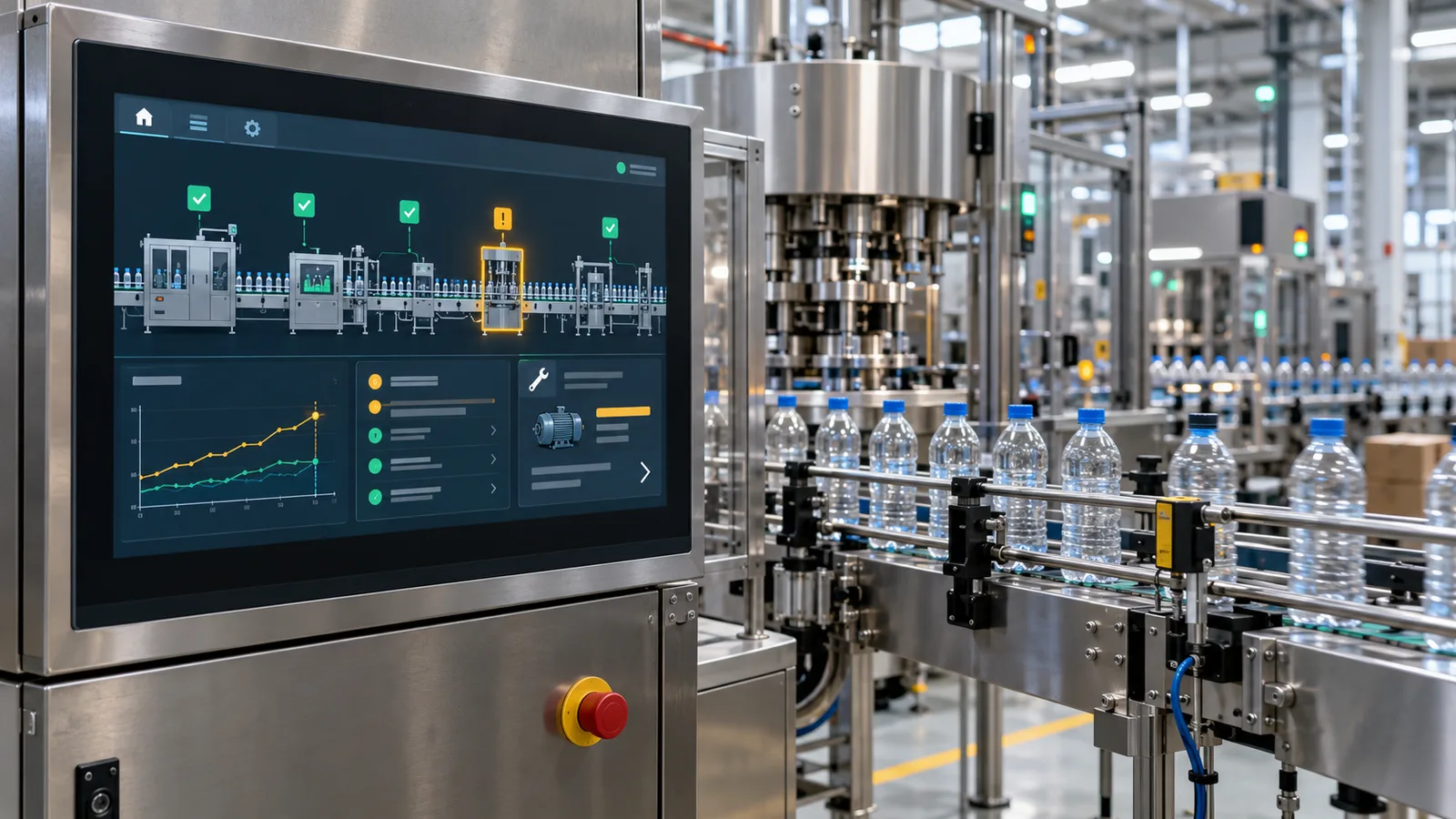
Manufacturing is usually the starting point. Plants there already have dense sensor coverage and clear downtime costs. Our manufacturing industry solutions page describes how ICANIO approaches these programs. For a broader view, read about manufacturing digital transformation.
How to Deploy an AI-Enabled Human-Machine Interface
Most teams begin with a capability assessment. It maps the current HMI landscape against the outcomes the business needs. The assessment answers three questions:
- Which alert categories take the most operator attention with the least value?
- Where does unplanned downtime occur, and what data could predict it?
- Which workflows carry the most manual coordination overhead?
Starting with the area that has the highest alert volume often gives the most visible early result. Reducing alert fatigue on a single line shows operators and managers what the new human-machine interface can do. That early win builds the confidence needed to expand to more lines and sites.
Choosing the Integration Architecture
Integration architecture is the most consequential technical decision. The choice between edge-first, cloud-first or hybrid processing affects latency, data residency and resilience for the life of the platform. Where data residency rules apply, our team favours on-premises or edge processing for sensitive operational data. Cloud services then handle only aggregated analytics, where regulation allows. Where rules are more flexible, a hybrid approach often gives the best balance of responsiveness and analytical depth.
Planning Operator Onboarding
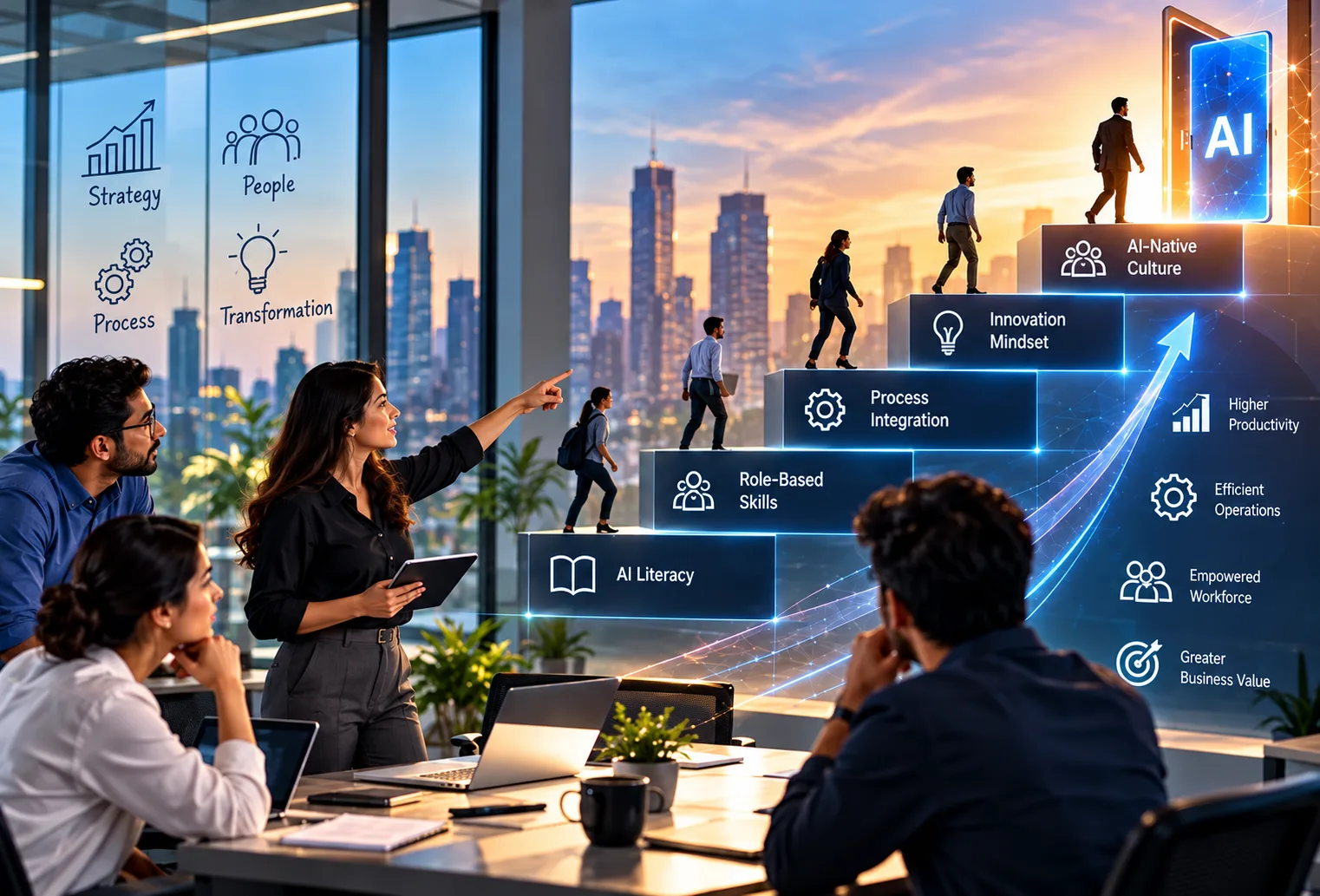
Operator onboarding is the third success factor. Even a sophisticated industrial automation system is limited by the readiness of the people who use it daily. Operators who trust and understand a system get better results than operators who work around it.
In our experience, onboarding works best when it starts early. Our team engages directly with production crews before go-live. Their knowledge improves model accuracy, and their early involvement builds familiarity. Treating onboarding as a documentation task after launch tends to slow adoption. How operators experience the move from static screens to an intelligent human-machine interface matters as much as the technology itself.
Measuring Human-Machine Interface Benefits
Define success measures before the pilot starts. Without a baseline, it is hard to show what the new human-machine interface changed. Useful measures are ones the plant already tracks or can track cheaply.
- Alerts per operator per shift, and the share that led to action.
- Mean time to diagnose and resolve incidents.
- Unplanned downtime hours on the pilot line.
- Operator ratings of trust and usability for the new human-machine interface.
Review these measures with operators, not just managers. Their feedback shows whether the human-machine interface is actually easier to use under pressure.
Common Mistakes to Avoid
Several patterns slow down AI-enabled HMI programs. Watch for these:
- Selecting a model before mapping data sources and integration points.
- Adding AI alerts on top of an existing alarm flood instead of rationalising it first.
- Hiding the reasoning behind recommendations, which erodes operator trust.
- Skipping governance and validation for safety-relevant decisions.
- Treating the rollout as an IT project rather than an operations change.
Each of these is avoidable with planning. A short discovery phase usually surfaces them before they become expensive.
Conclusion
A traditional human-machine interface shows operators what is happening. An AI-enabled human-machine interface helps them decide what to do about it. Predictive analytics, anomaly detection, alert prioritisation, natural language queries and workflow assistance turn passive screens into active decision support. Human-in-the-loop design keeps people accountable for the decisions that matter most.
The technology is only half the work. Integration architecture and operator onboarding decide whether a deployment delivers value. Starting small, on the line with the worst alert fatigue, is a practical way to prove the approach.
If you are planning an HMI upgrade or a predictive maintenance program, contact ICANIO to talk through your plant systems and goals with our team.
References
- Human-machine interface (Wikipedia)
- ISA-101 Human-Machine Interfaces standard (ISA)
- NIST AI Risk Management Framework
- SCADA (Wikipedia)
- Predictive maintenance (Wikipedia)
- Alarm management (Wikipedia)
- Edge computing (Wikipedia)
Frequently asked questions
What is an AI-enabled human-machine interface?
An AI-enabled human-machine interface is an operator interface that uses artificial intelligence to support real-time monitoring, predictive alerts, anomaly detection and decision support. It goes beyond a passive dashboard. It ranks alerts, explains likely causes and suggests actions, while leaving the final decision with the operator. It usually sits on top of existing SCADA and control systems rather than replacing them.
How does an AI-enabled HMI improve industrial efficiency?
It helps teams act earlier and with better context. Predictive maintenance warnings reduce unplanned downtime. Ranked, contextual alerts shorten diagnosis time. Workflow assistance highlights bottlenecks as they appear. Together these changes help operators respond before small issues grow into production losses, and they reduce the cognitive load that leads to mistakes during busy shifts.
Why are legacy HMIs falling short in smart manufacturing?
Legacy HMIs rely on static thresholds and manual interpretation. Smart manufacturing sites produce far more data and alerts than people can triage by hand. That leads to alert fatigue, fragmented visibility and reactive decisions. An AI-enabled human-machine interface addresses these gaps with context-aware anomaly detection, prioritised alerts and predictive insight drawn from many connected systems.
Can AI fully replace industrial operators?
No. Human oversight remains essential in industrial environments, especially where safety is involved. Human-in-the-loop design works best when AI supports decisions rather than making them alone. Uncertain or high-impact cases should be escalated to a person. Operator feedback then improves the models over time, so the system and the team get better together.
What are the biggest challenges in implementing AI-enabled HMIs?
The main challenges are integration across plant systems, data quality across sensor networks, scalability, governance and safety validation, and operator adoption. Most of these are easier to manage when integration planning starts before any model is chosen. A short discovery phase and an early pilot on one production line help surface problems while they are still cheap to fix.
Does an AI-enabled HMI need cloud connectivity?
Not always. Low-latency functions such as anomaly detection and alert ranking can run at the edge, close to the machines. The cloud is useful for model training and fleet-wide analytics. Many plants use a hybrid design. The right split depends on latency needs, data residency rules and the reliability of the site's network connection.